
# Component Properties
Right-click a component and select Component Properties to view the general properties of the component and configure relevant settings.
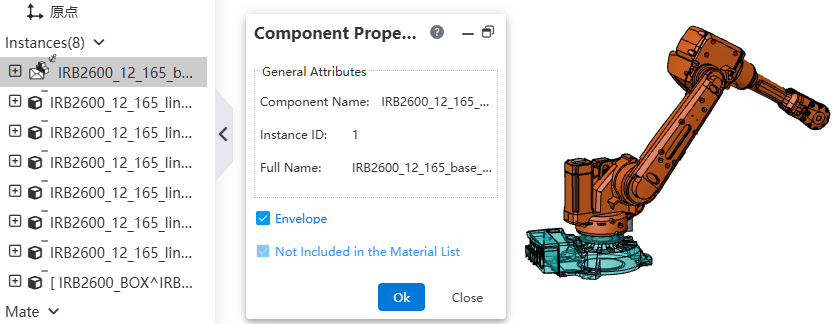
# Envelope
Supports setting reference components as an Envelope.
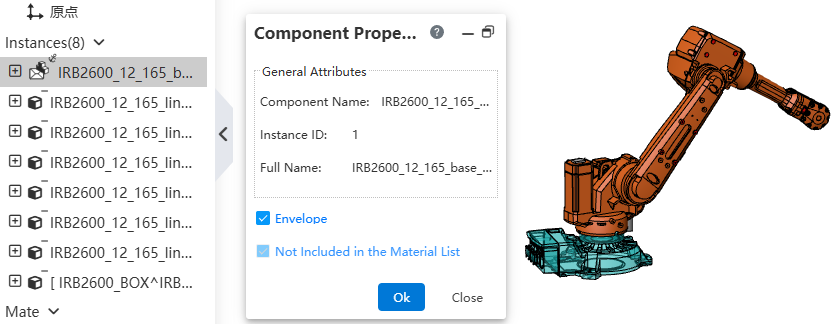
Usage:
Right-click the component instance to be set as an Envelope.
Select "component properties".
Check "Envelope", click OK to complete the setting.
Note 1: Envelopes will not be displayed in the Bill of Materials.
Note 2: In the Drawing, edit the view, select View Properties, to control whether to display the Envelope.
# Not Included in the Material List
Allows you to customize components that do not need to be displayed in the material list.
Usage:
- Right-click the component to be excluded from the material list.
- Select Component Properties.
- Check Not Included in the Material List and click OK to finish the setting.