
# Section Properties
The Section Properties command has been added to measure relevant parameters of a section.
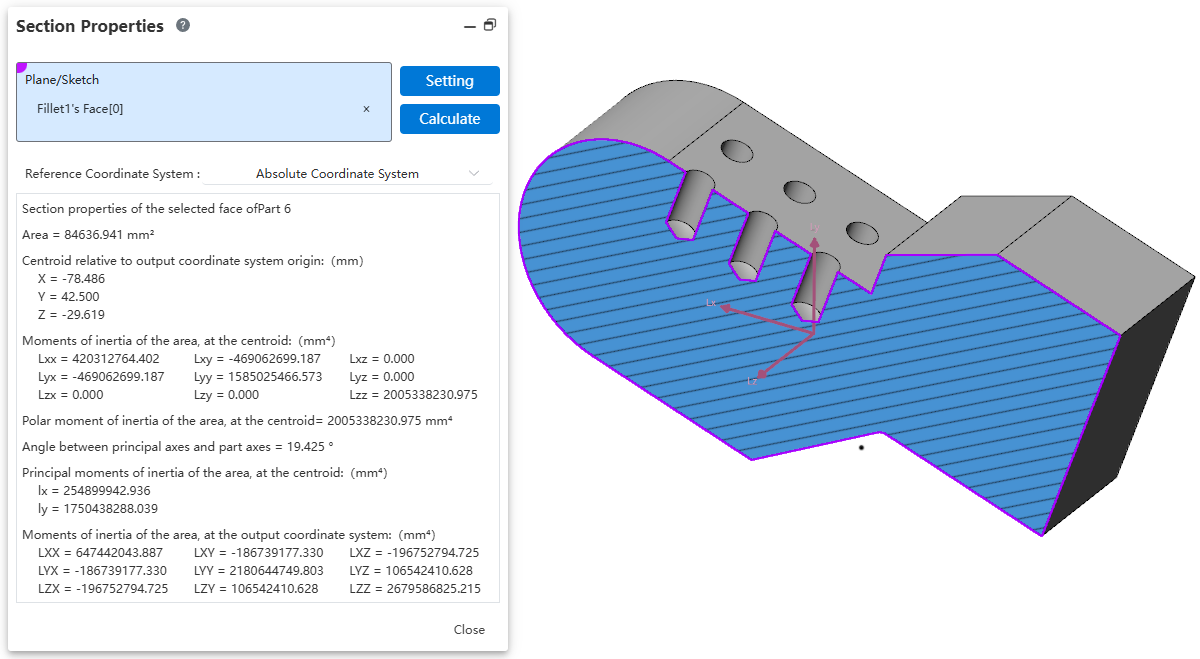
Usage:
1) Click the Section Properties command to open the dialog box.
2) Pick the face to measure. Supported selections include: "Closed Profile Sketch, Model Plane/Section, Multiple Parallel Faces".
3) Click Calculate, wait for the calculation to complete.
4) View the calculation results.
Note: Before measuring, you can use the Section View  command to create a section.