
# Assembly
# Unload
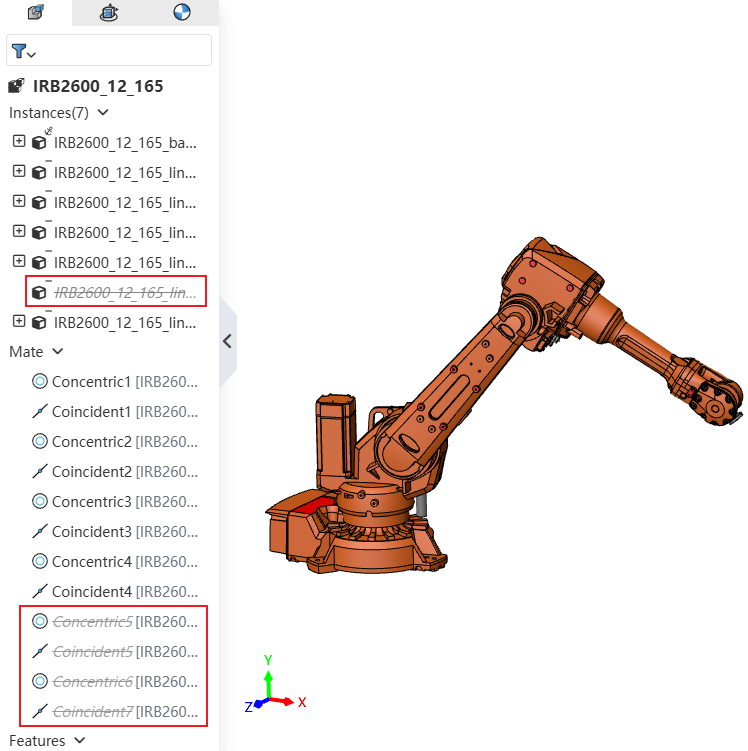
When unloading Instances, related Mates are automatically suppressed to avoid errors.
# Envelope
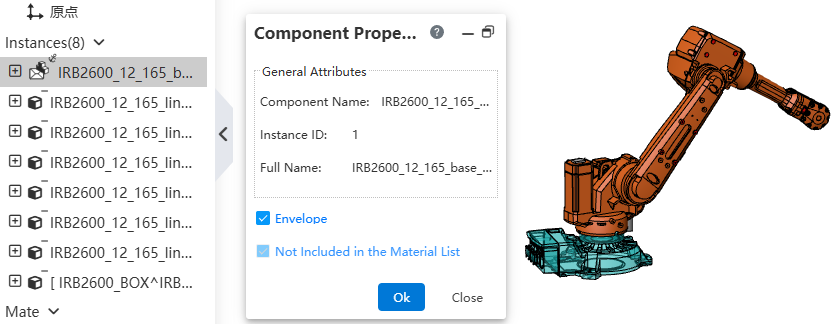
The Envelope feature has been added, allowing reference components to be set as an Envelope.
Usage:
Right-click the component instance to be set as an Envelope.
Select "component properties".
Check "Envelope", click OK to complete the setting.
Note 1: Envelopes will not be displayed in the Bill of Materials.
Note 2: In the Drawing, edit the view, select View Properties, to control whether to display the Envelope.
# External Reference
When deleting a Component, components that have External Reference relationships with it are retained.
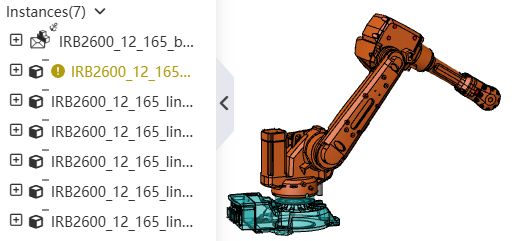
Sketches or Features that lose External References will display a prompt message. You can edit them to restore them to normal status.