# Insert DWG
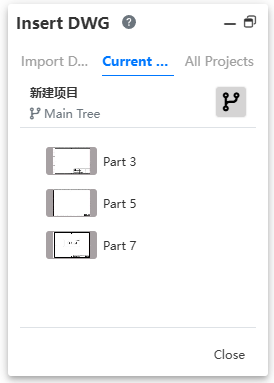
In the drawing, you can insert a previously imported dwg document and participate in modeling directly.
To use:
1.Click 'Insert dwg' command to bring up the dialog box..
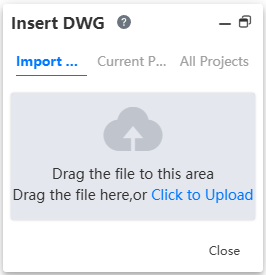
2.Select the dwg document you want to insert;
- Support selecting dwg files that have been imported in the current project or other projects, as well as directly importing dwg documents locally. After clicking the import button, the document will be imported into the project and inserted into the current sketch.